Retail POS

Sell faster and always know your stock

Retail POS gives your shop a quick counter screen, live stock levels and clear customer accounts, and connects to your own online shop.

Retail POS dashboard: Point of Sale & Stock Management System

Counter-ready

Search or scan, add to cart, take payment.

Live stock

Every sale and purchase updates the shelf count.

Credit under control

See who owes you, with full statements.

Everything it does

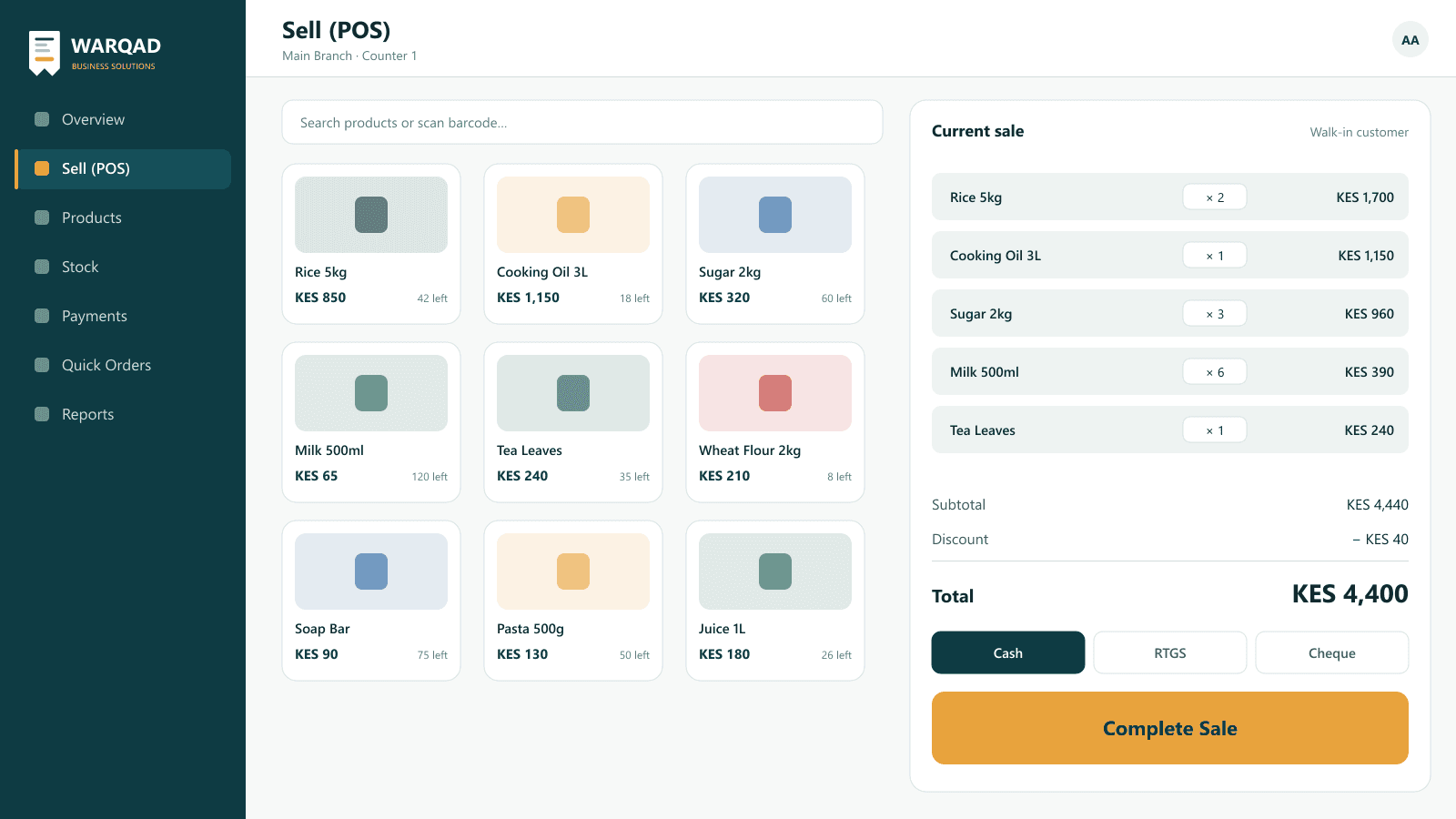
Retail POS sell screen with product grid and current sale

01

A point of sale screen built for the counter

Find products by name or barcode, build the sale, apply a discount and take payment in seconds. Each sale updates stock and the customer's account.

  • Product search and quick product grid
  • Sell to walk-in or named customers
  • Cash, RTGS and cheque payments
  • Sales on credit tracked on the customer's account
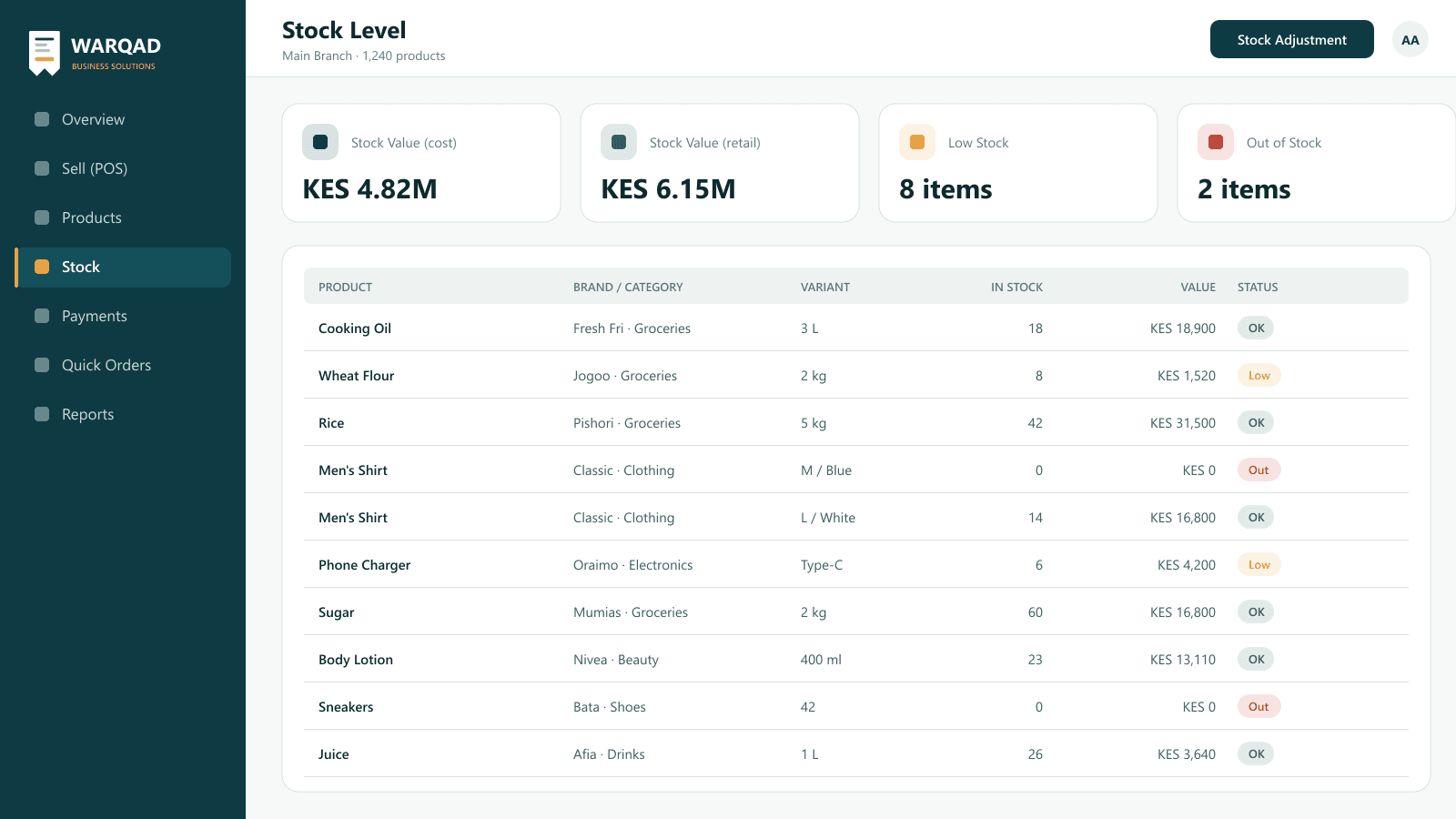
Retail POS stock level report with variants, value and low stock status

02

Products, variants and stock

Organise products by brand and category, with variants like size and colour. Receive stock, adjust it, and see stock level and value at any time.

  • Brands, categories and product variants
  • Purchases from suppliers, per variant
  • Stock adjustments with a reason
  • Stock level, stock value and low/out-of-stock view
  • Stock profit & loss and product reports
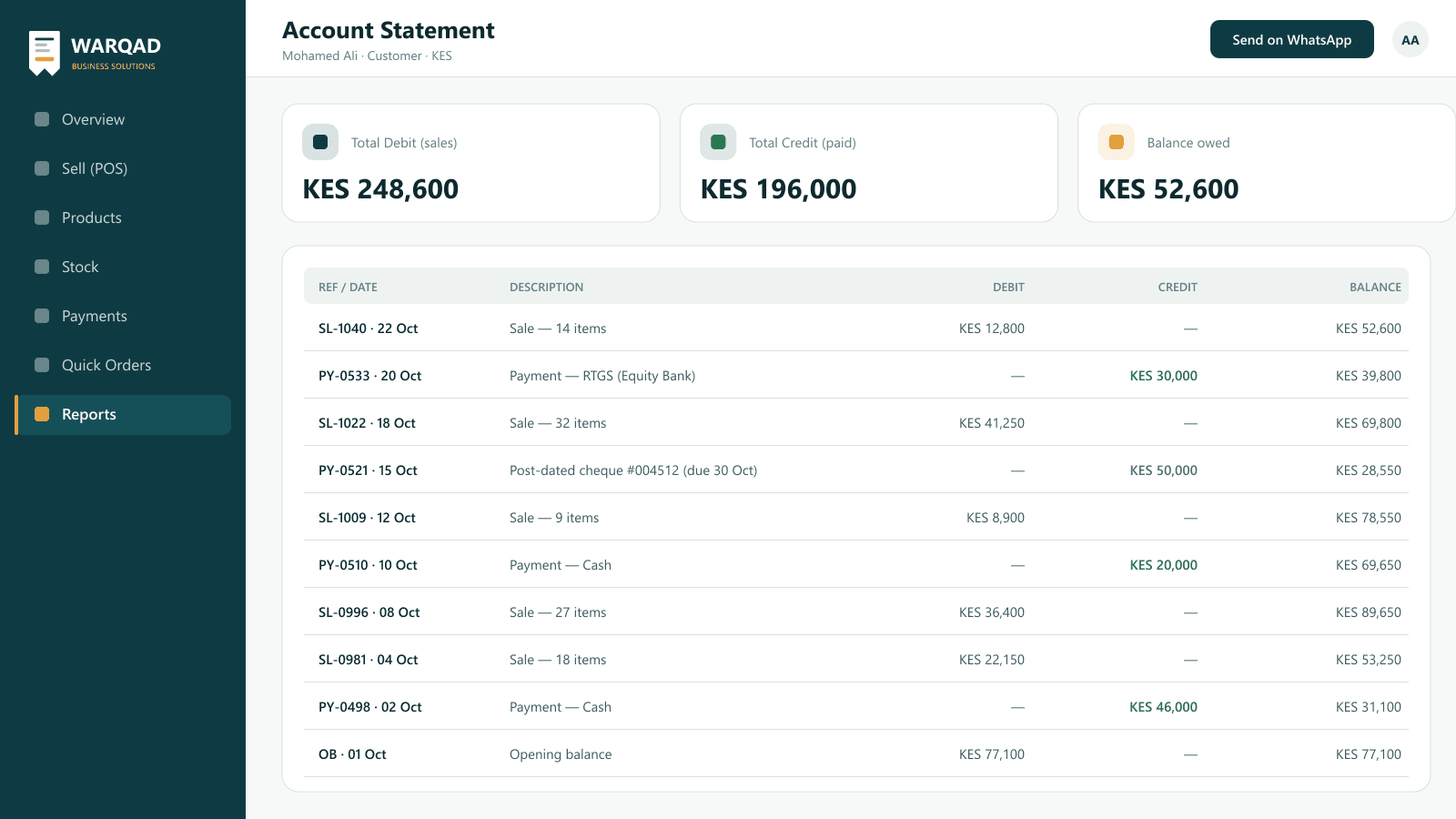
Retail POS customer account statement with debit, credit and balance

03

Customers, suppliers and payments

Every sale, purchase and payment lands on the right account. Track post-dated cheques and send statements to customers.

  • Customer and supplier accounts
  • Payments by cash, RTGS or post-dated cheque
  • Cheques page to follow up due cheques
  • Account and wallet statements with running balance
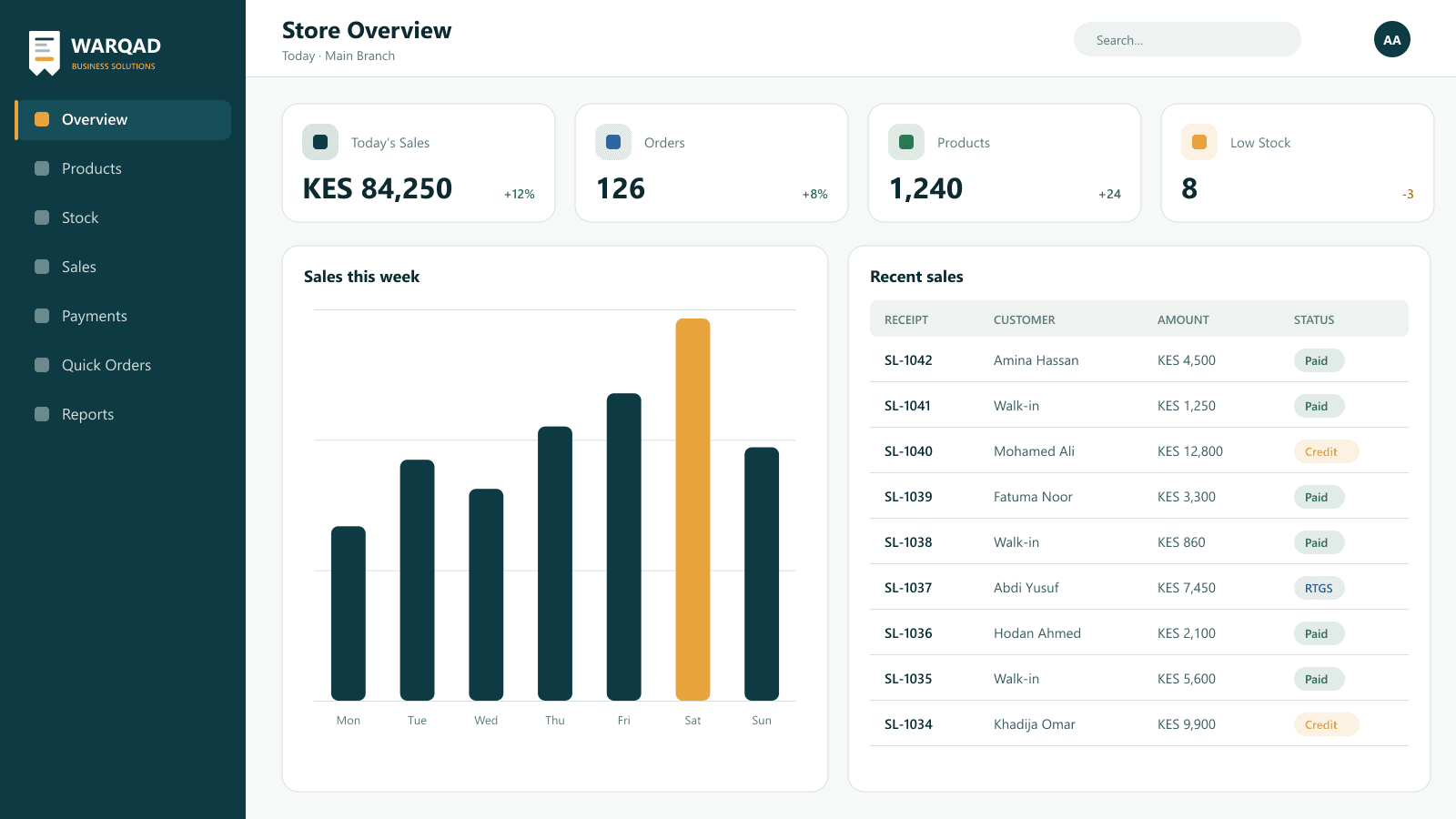
Retail POS store overview dashboard with sales and recent sales

04

Your shop, online

Connect Retail POS to your own shop website. Customers place quick orders online and they arrive in the system ready to process.

  • Online quick orders from your shop website
  • Order statuses you control
  • Store overview with sales, orders and low stock
  • Expenses and journal entries
  • Multiple branches and staff users

How Retail POS works

  1. 1

    Add products

    Create brands, categories and product variants.

  2. 2

    Receive stock

    Record purchases from your suppliers.

  3. 3

    Sell

    Use the POS screen at the counter or take online orders.

  4. 4

    Track

    Follow stock, payments and reports every day.

Frequently asked questions

Does Retail POS work for wholesale and credit sales?

Yes. You can sell to named customers on credit, and every sale and payment appears on their account statement with a running balance.

Which payment methods are supported?

Cash, RTGS and post-dated cheques. Cheques can be followed up on a dedicated cheques page.

Can I manage products with sizes and colours?

Yes. Products support variants, and stock is tracked per variant.

Can customers order online?

Yes. Retail POS connects to your own shop website, where customers can place quick orders that arrive in the system.

See Retail POS in action

We'll walk you through it and show how it fits your business.

Talk to Us